Overview / Scenes / Scene Context Menu
Scene Context Menu
Add scenes to set lists from the Scenes tab — Info, Select, Add to setlist, and where to insert.
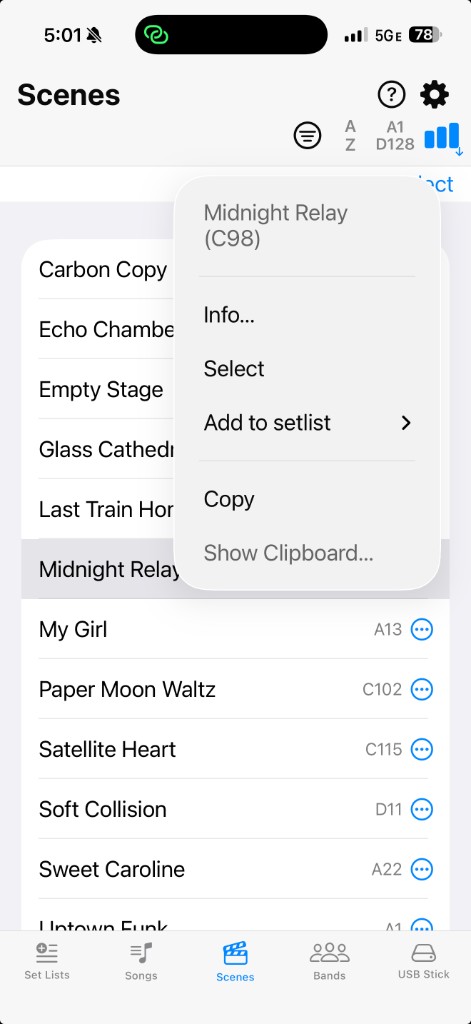
Tap  More on a scene — or press and hold it — to open the context menu. From there you can open , Select, , or Copy.
Scene Context Menu
Choose when you want this scene in one of your set lists.
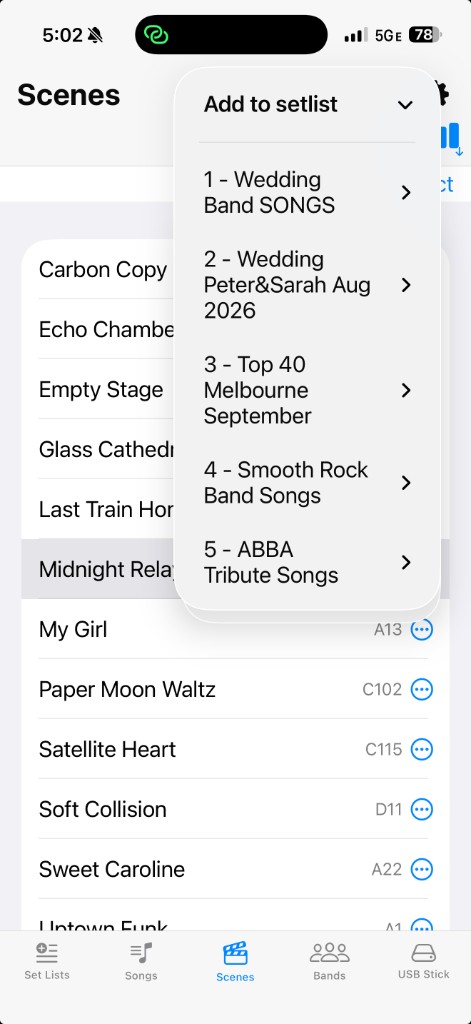
Pick a set list
The submenu lists your set lists. Tap the one that should receive the scene.
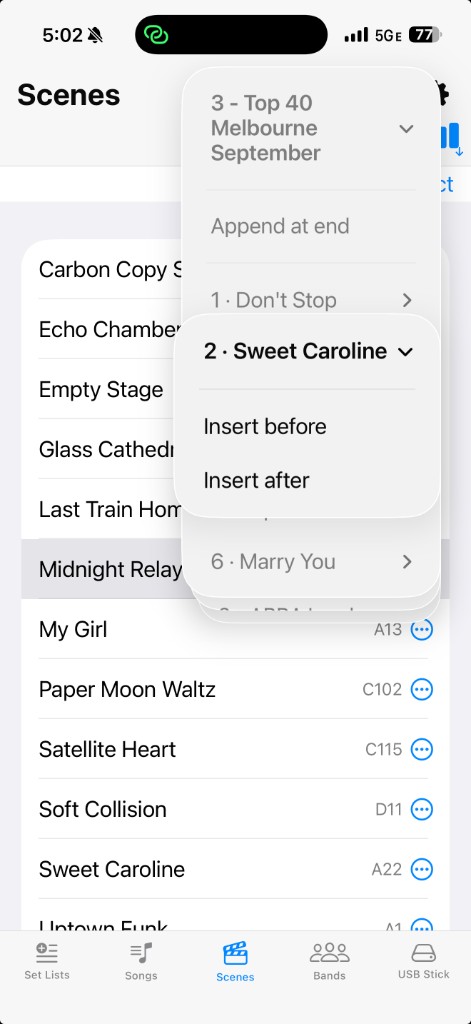
Choose where it goes
Append at the end, or insert before / after a song already in that set list.