Overview / Navigation Bar
Navigation Bar
Find your way around with Set Lists, Songs, Scenes, Bands, and the USB Stick with a tap or click on the Navigation Bar.
The Navigation Bar at the bottom of the screen is where you will probably spend most of your precious time. Tap on a set list to edit it with all the comfort of the app.

| Item | What you do here | Screen |
|---|---|---|
| Set Lists | Browse and modify your set list order. Use filters and select only set lists for a certain band or project. Use the extensive context menu to unleash the power of the Fantom Set List Buddy and save many hours, as well as the buttons and encoders on your Fantom! Once you are done editing a Set List, just go back to the Set Lists screen, the app saves your edits automatically. And do not forget that Undo is your friend! | 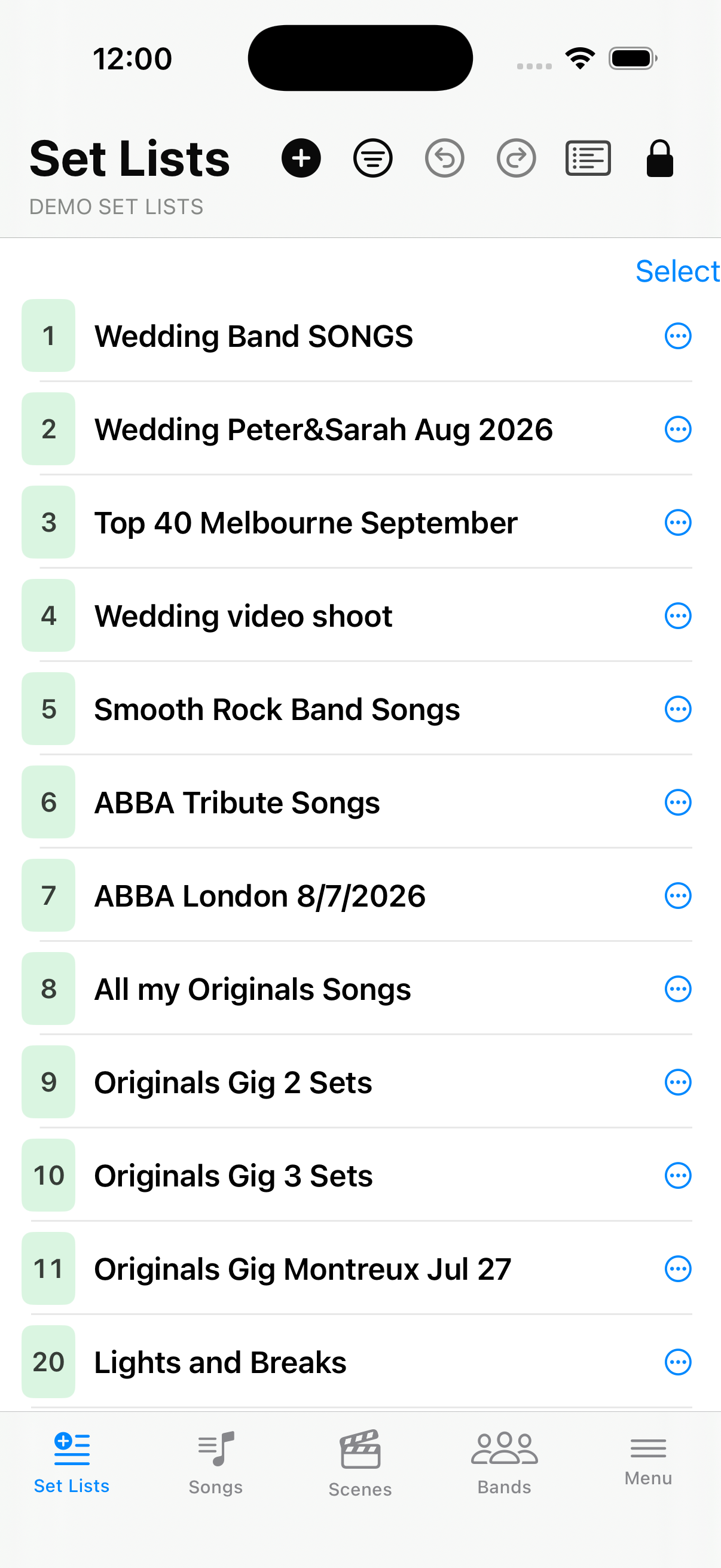 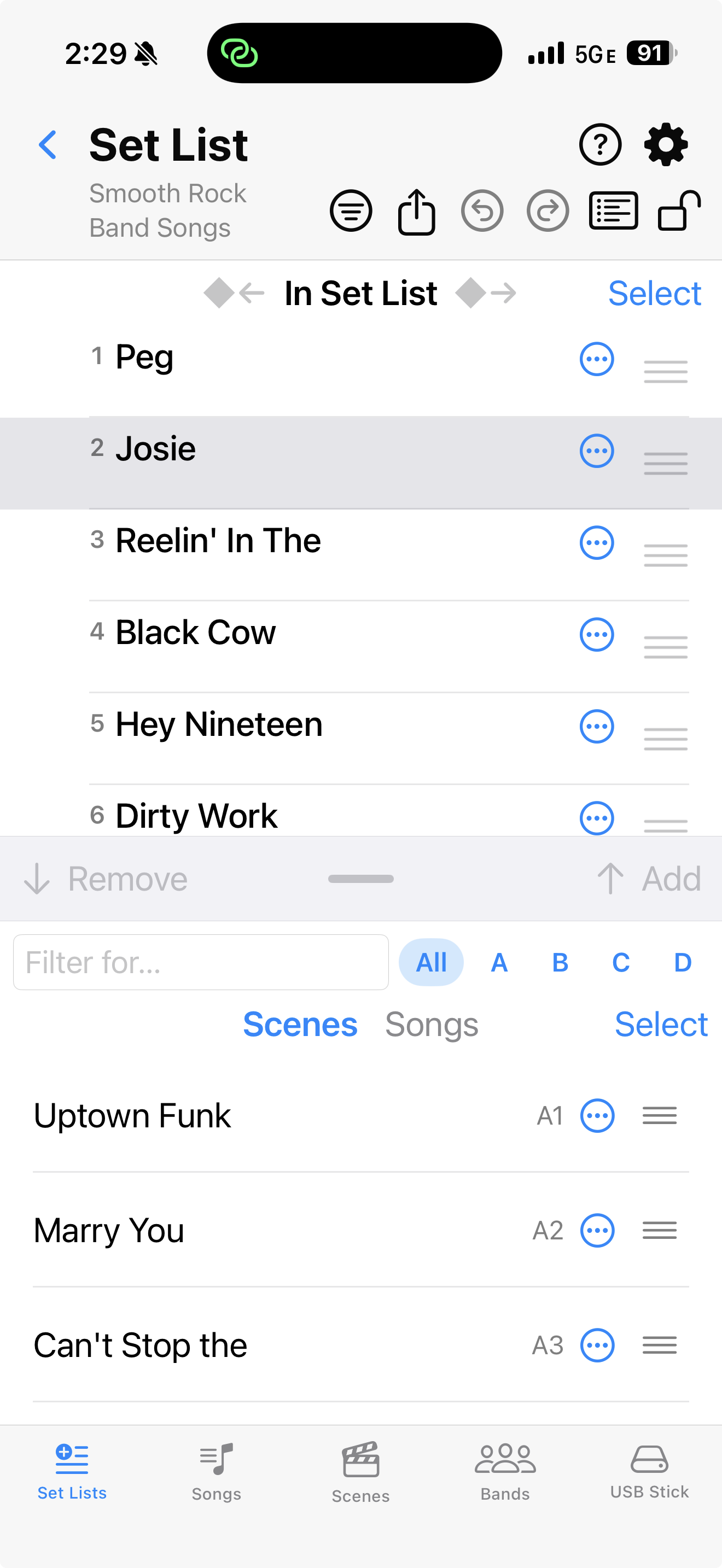 |
| Songs | The Fantom does not know “Songs”, but Fantom Set List Buddy does. Link scenes to the song titles your band leader calls or sends you in a list the night before the gig. Once the app learns which Fantom scenes you use for each song, import from such a text gets so much easier and takes seconds only. | 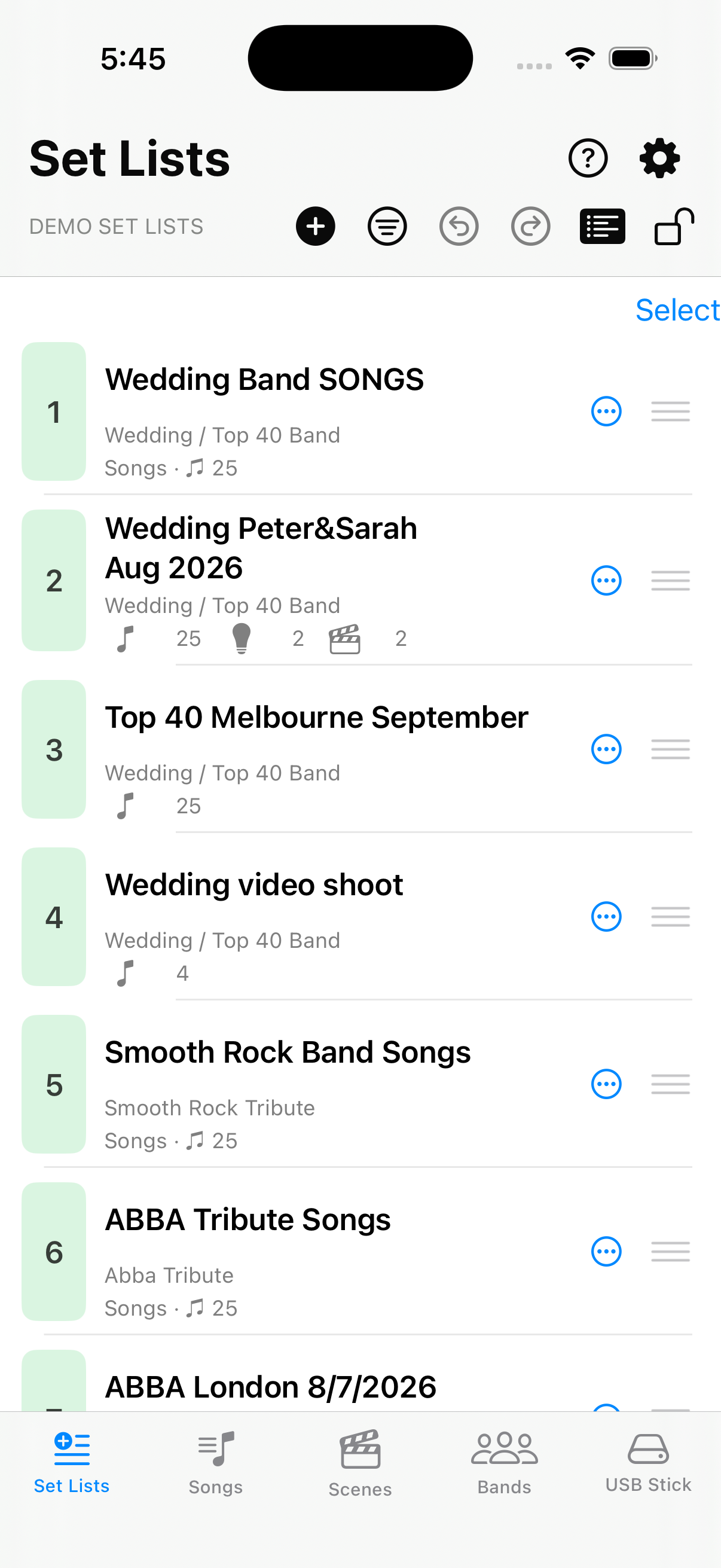 |
| Scenes | Fantom Set List Buddy imports all the scenes from your Fantom into the app. You can freely browse, sort, and filter them to your liking. Use the context menu to add the scenes you need directly into the perfect location within any of the set lists. Try doing that on a Fantom? — No way! | 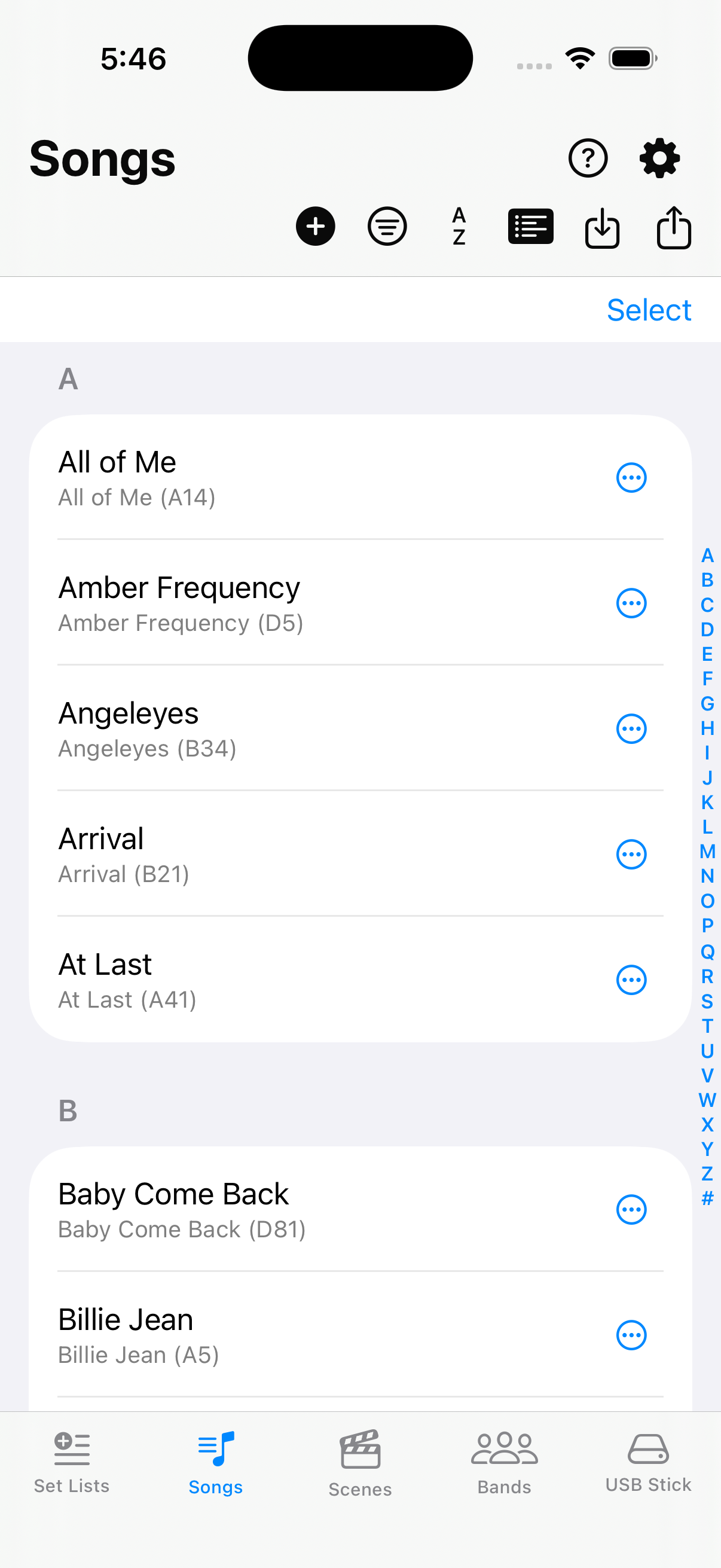 |
| Bands | You play in bands? You have a personal project? All those have repertoires, and Fantom Set List Buddy lets you tag set list names on a Fantom with a short text that identifies a set list as belonging to those bands or projects. And then we can also define a tag for which set list holds the complete repertoire for those (see in Settings). Try it — it is another level of user experience not available on the hardware. Life can be so easy! | 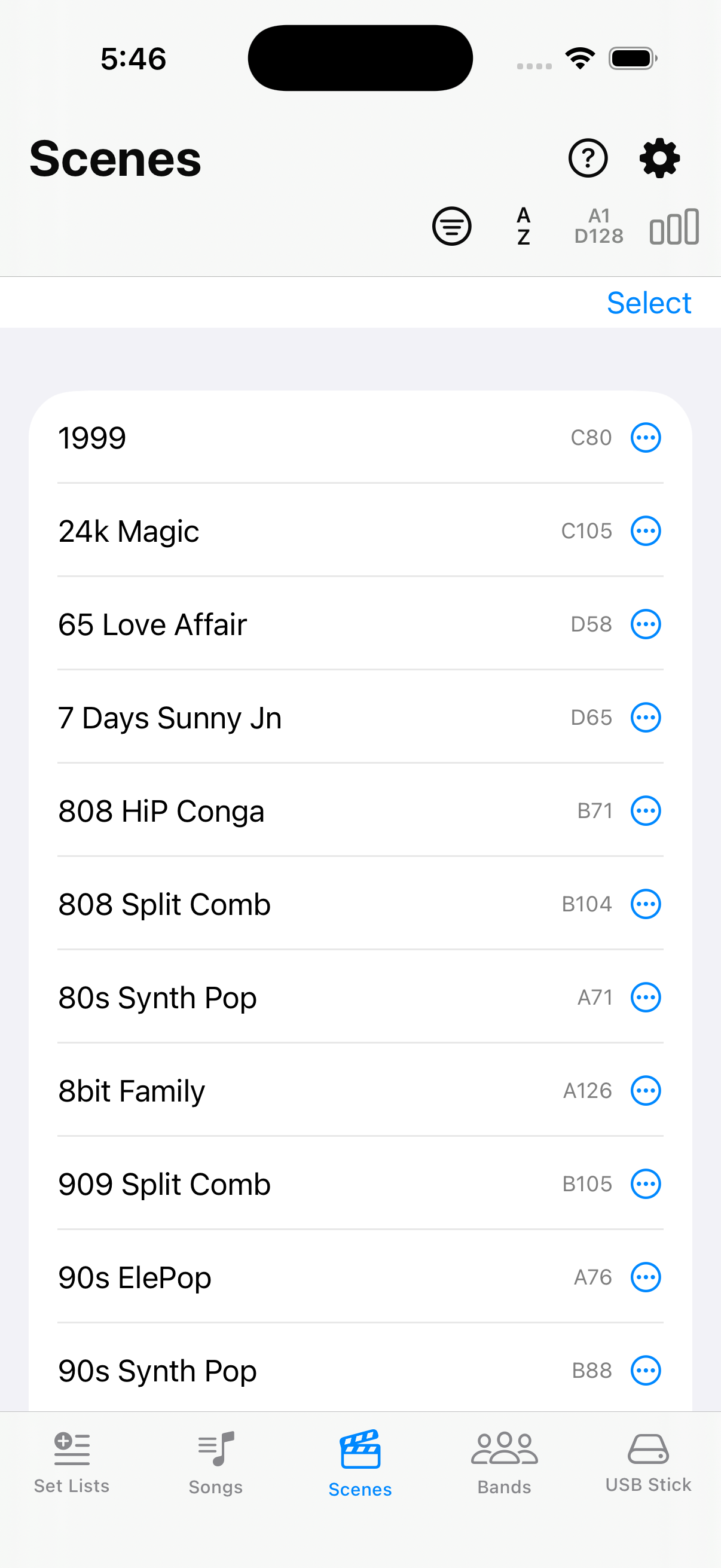 |
| USB Stick | This is where you bring life to Fantom Set List Buddy. Import a Fantom backup from a Fantom-formatted USB stick, then edit in the app to your liking and export it back onto the stick, so you can Restore it on the Fantom. We also allow loading and saving to a folder, but the USB stick is what brings your changes back to your Fantom. | 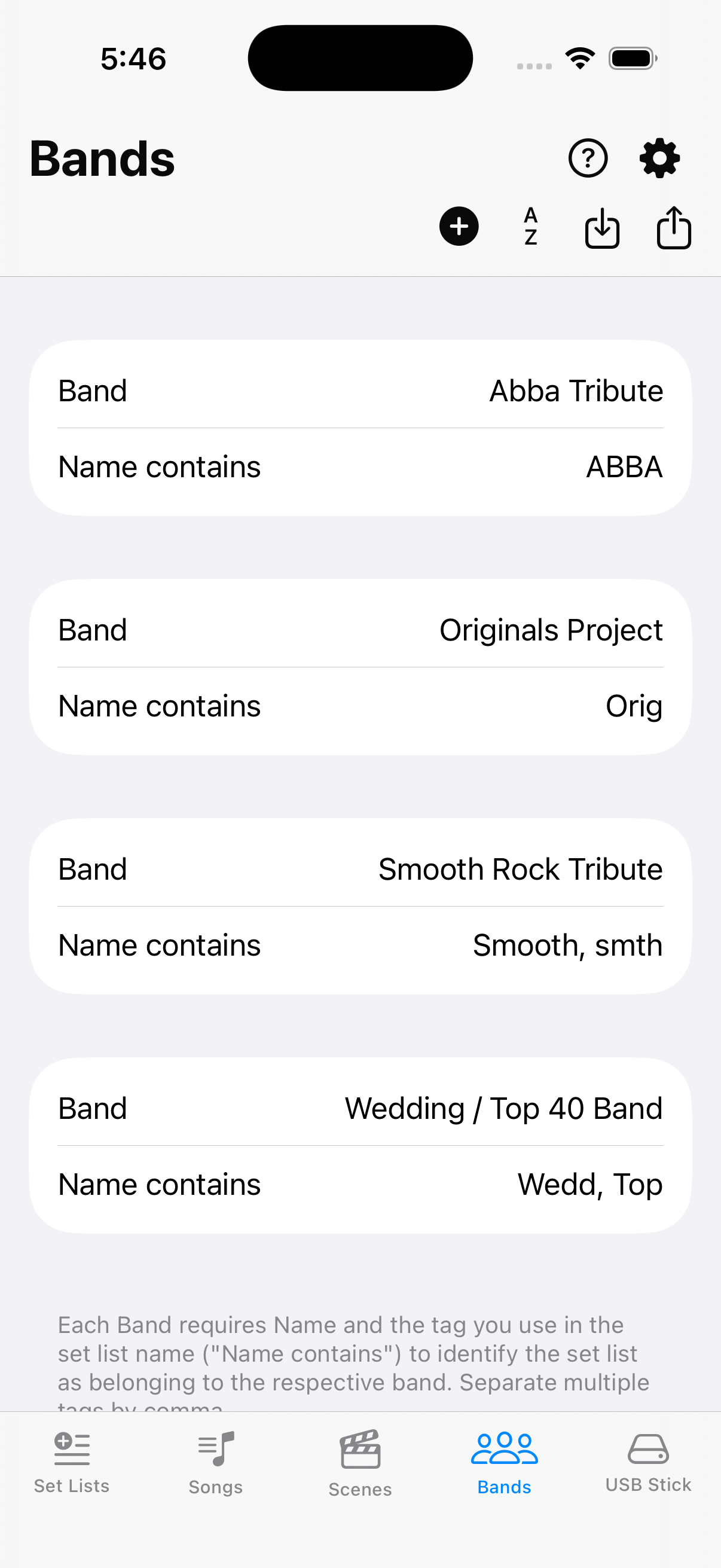 |