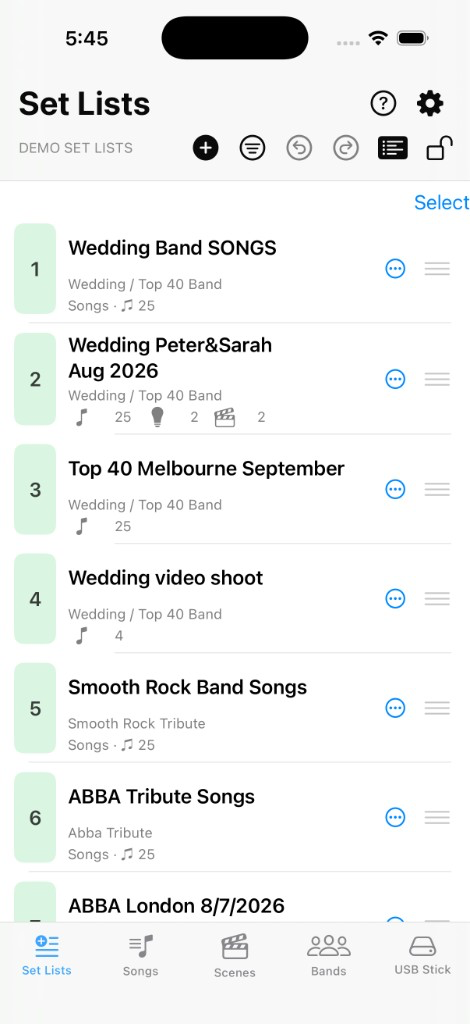
Tags
Configure comma-separated tags so the app knows which set lists are repertoire books or cue catalogs.
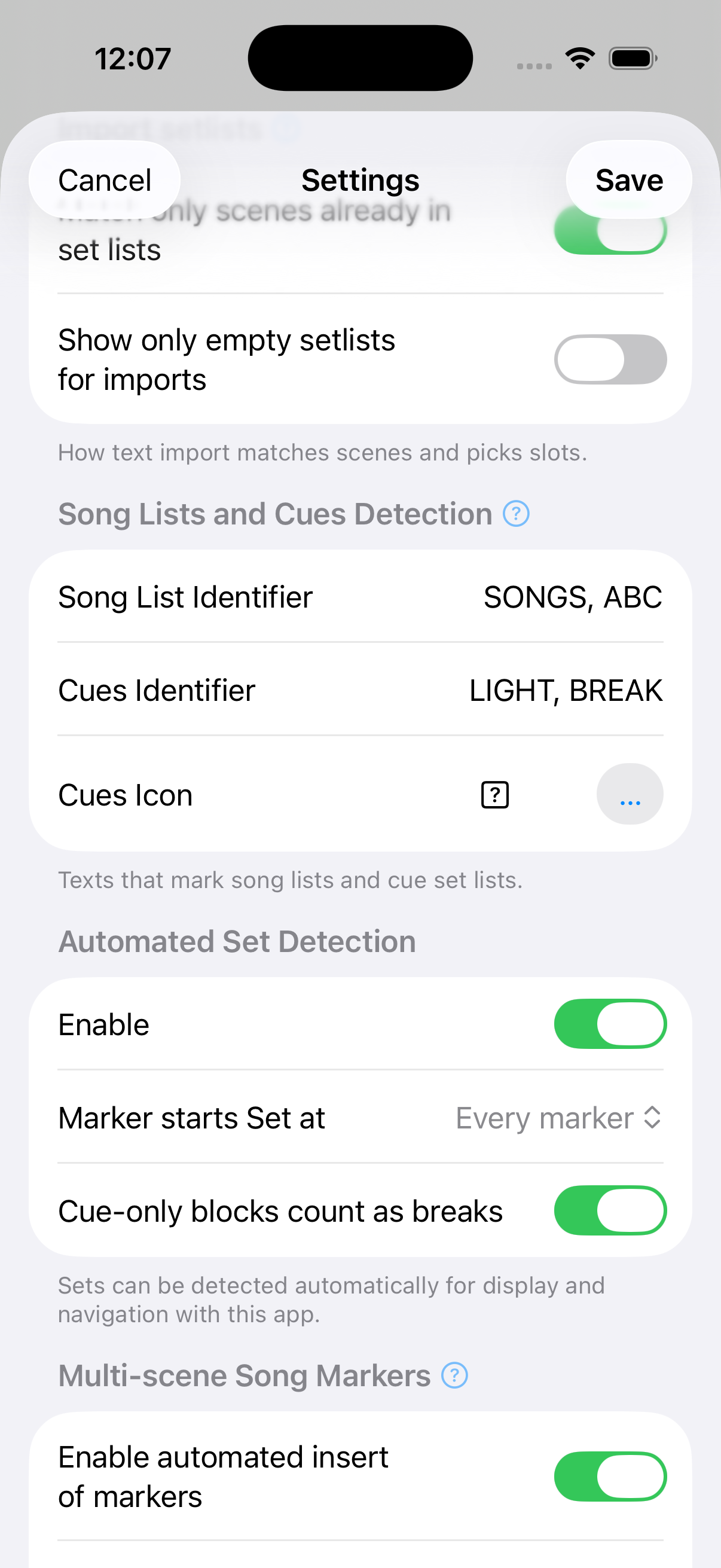
Under Settings → Song Lists and Cues Detection you can set song list (a.k.a. repertoire) and cues tags. We provide defaults, but feel free to choose whatever fits your purpose. The tags are comma-separated lists such as SONGS, ABC and LIGHT, BREAK (small or capital letters, does not matter). Then simply use the token anywhere in the set list name. Voilà!
Open Settings
Tap  Settings on the top right of any screen, then scroll to Song Lists and Cues Detection.
Song Lists and Cues Detection
Set the tags properly, use them in the set list name and see how the cues icon is displayed in the set list.
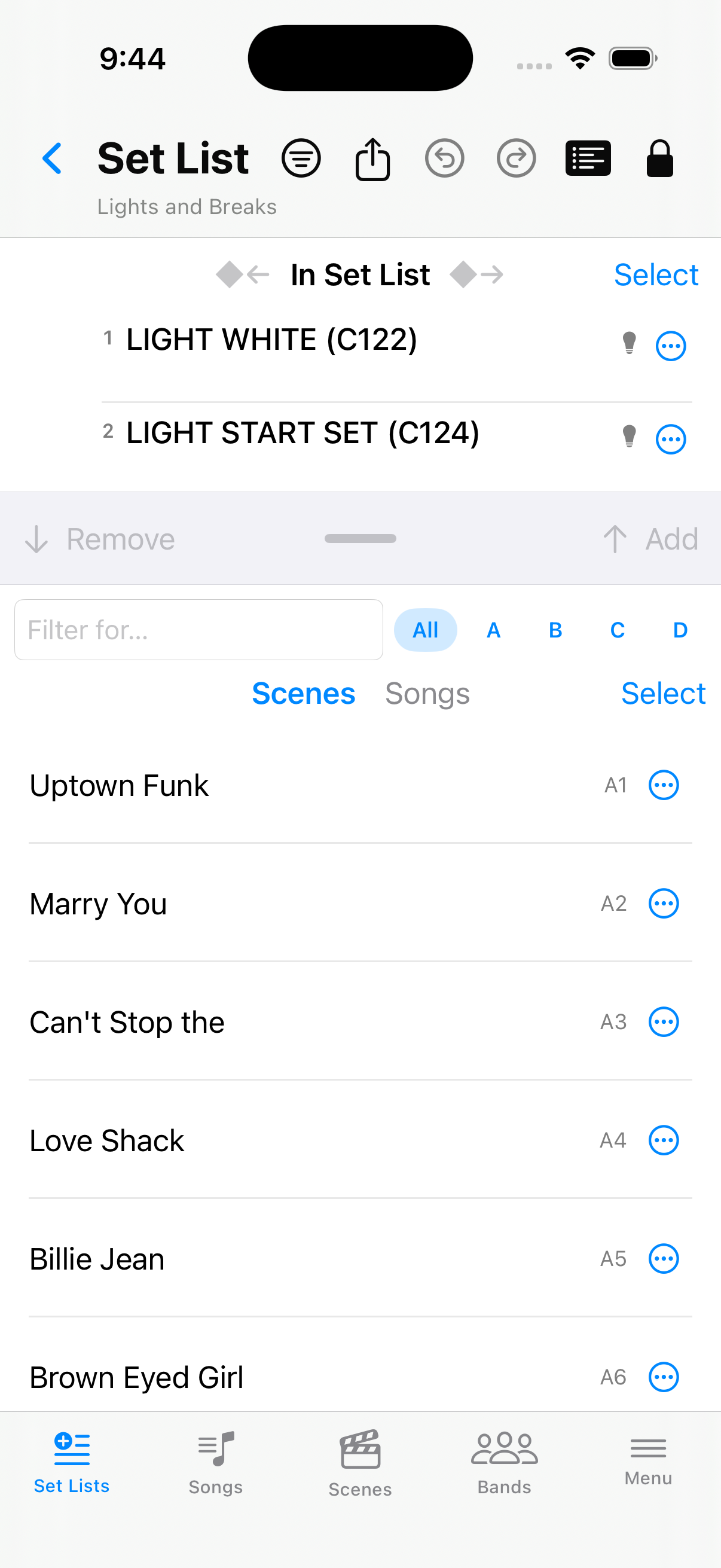
Set Lists with Details on
Turn on  Details on the Set Lists screen to see how tags affect each row — repertoire lists begin with Songs, cue catalogs with Cues, plus band names and song, cue, and set counts under the title (see Details).