Overview / System Requirements
System Requirements
Devices, OS versions, and USB stick basics for Fantom Set List Buddy.
Fantom Set List Buddy runs on Apple and Android devices. You also need a Roland Fantom (6 / 7 / 8 including EX, or 06 / 07 / 08) and a USB stick the Fantom can format and Restore from.
Apple
- iPhone and iPad — iOS / iPadOS 17 or later.
- Mac — Apple silicon (M1 and later), running the iOS app (Designed for iPad / Mac).
Android
- Phones and tablets on Android 12 (API 31) or later.
- USB sticks usually need an OTG adapter on phones; tablets vary by port.
Fantom and USB
- A Fantom backup that includes FANTOM.SVD and SCENE_CHAIN/ (pad or keyboard samples optional).
- A FAT 32 USB stick, max 32 GB, formatted on the Fantom (UTILITY → USB MEMORY FORMAT).
- Backups live under
/ROLAND/FANTOM/BACKUPon the stick—the folder the Fantom lists for Restore. - A stick with both USB-C and USB-A (same device) plugs into USB-C iPhones and into the Fantom without an adapter.
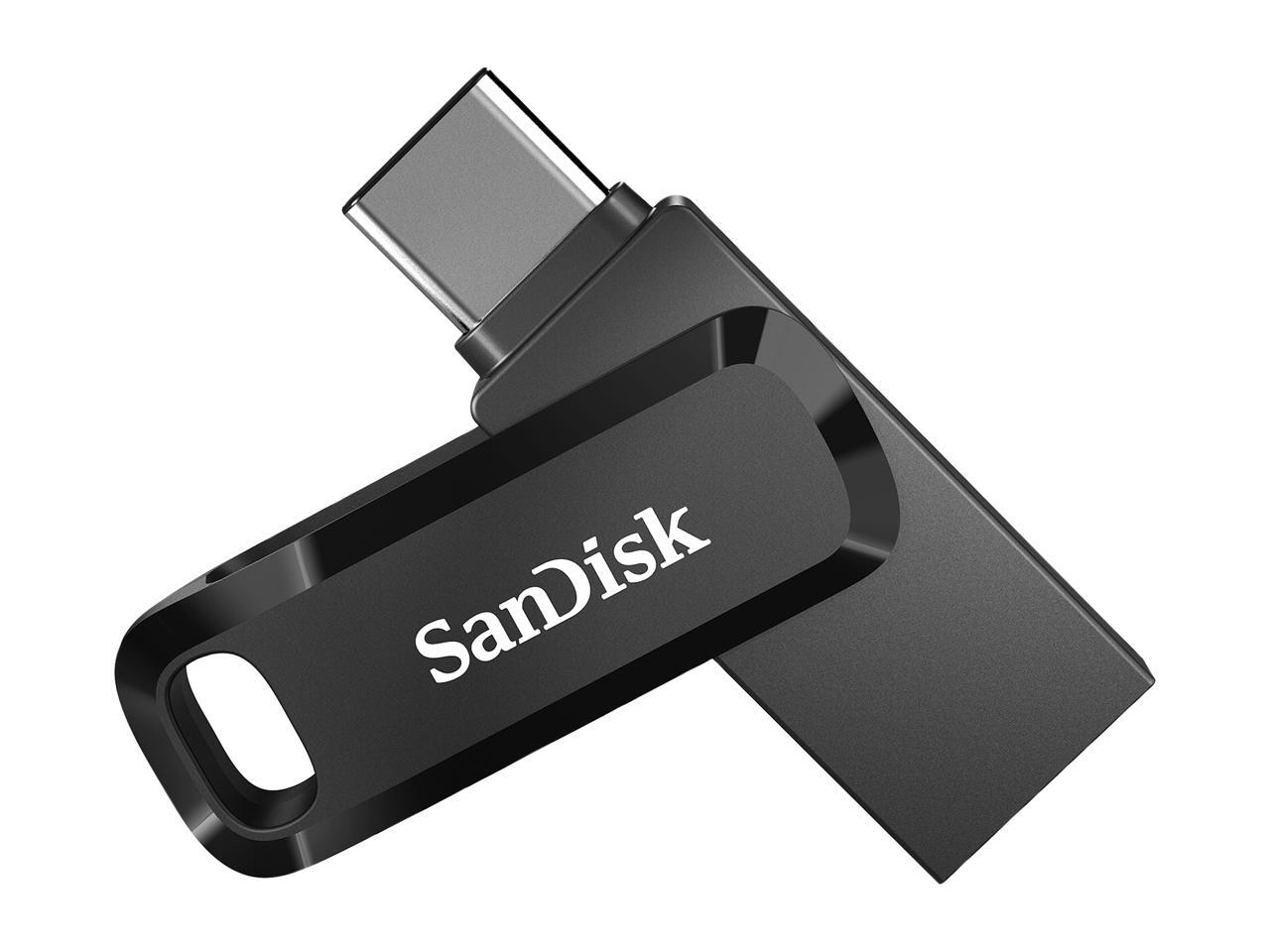
Recommendation from our testing: SanDisk Ultra Dual Drive Go 32 GB — worked well on iOS devices with a USB-C port.
Free Space on the Device
Import, the copy the app keeps, and Export each need a full copy of the backup folder. Leave room on the phone or tablet for at least one or two complete backups at a time.
- Everyday set-list work without pad samples — plan on roughly 500 MB free on the device.
- Backups that include pad or keyboard samples need matching headroom (often several GB).
- Keep similar free space on the USB stick (and any export folder): at busy moments the stick original, the in-app copy, and the new export folder are all present.