Overview / USB Stick / View Original
View Original
See your set lists exactly as they were in the backup from the Fantom.
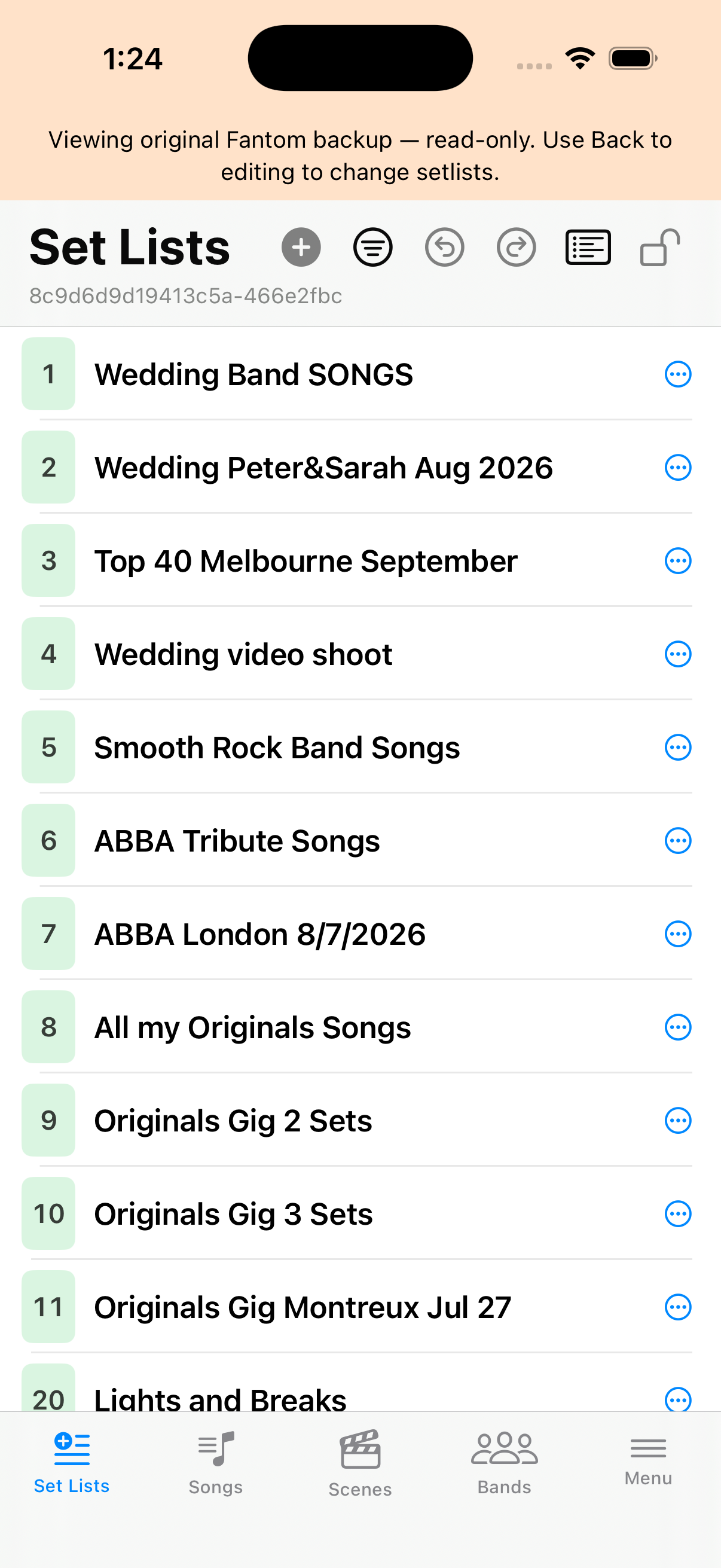
In the USB Stick tab, shows your set lists exactly as they were when imported — with none of your edits. A banner on the Set Lists screen reminds you that you are in that view-only state. When you choose , the app shows all the edits you had made before and you can continue where you left off.
Open USB Stick
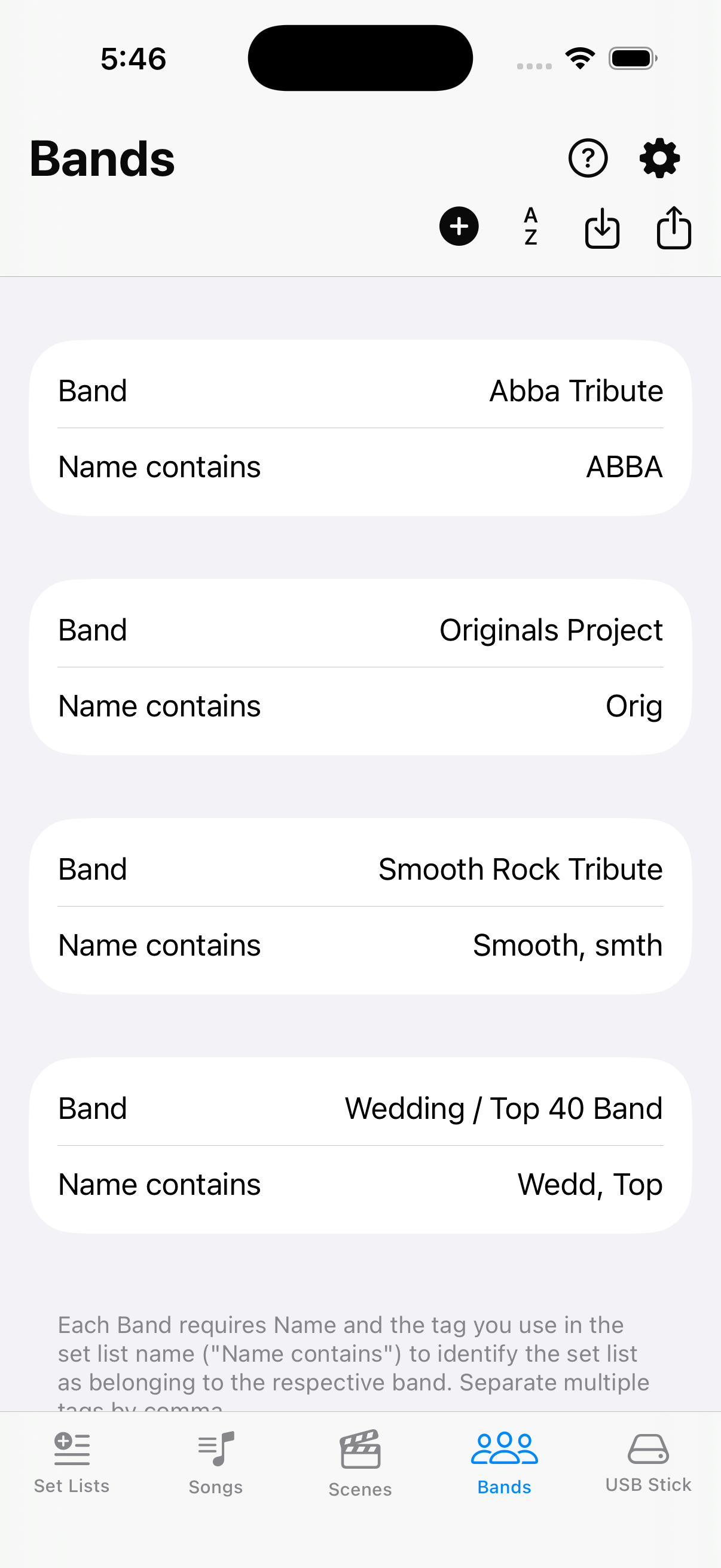
On the navigation bar, open USB Stick, then choose (scroll if needed).
Read-only original
The banner on Set Lists confirms you are viewing the import. Choose on USB Stick to return to your draft — nothing was discarded.