Overview / Import a Backup
Import a Backup
Load a Fantom backup into Fantom Set List Buddy from a USB stick.
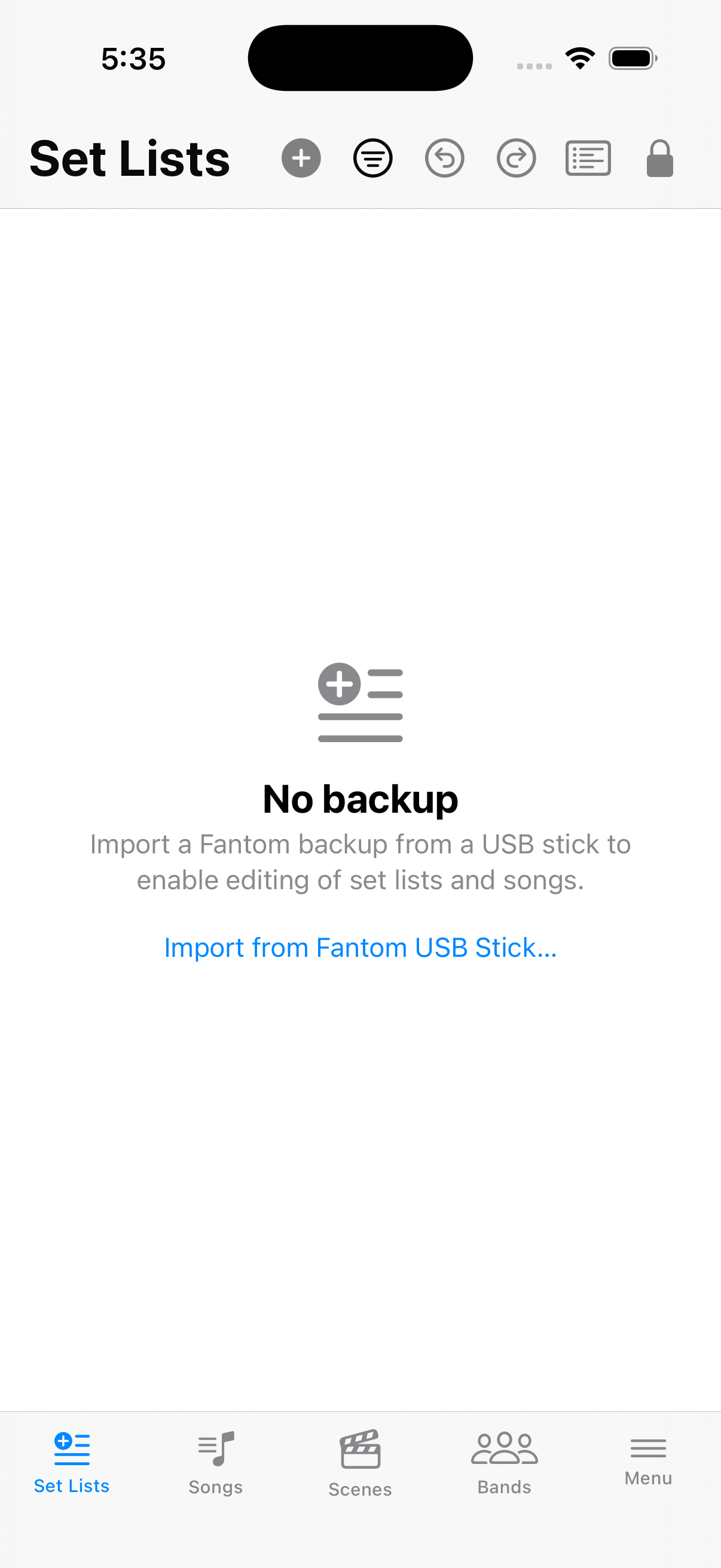
Until a backup is open, Set Lists, Songs, and Scenes show No backup. The app never opens a stick on its own—you always choose.
Import from USB or Folder
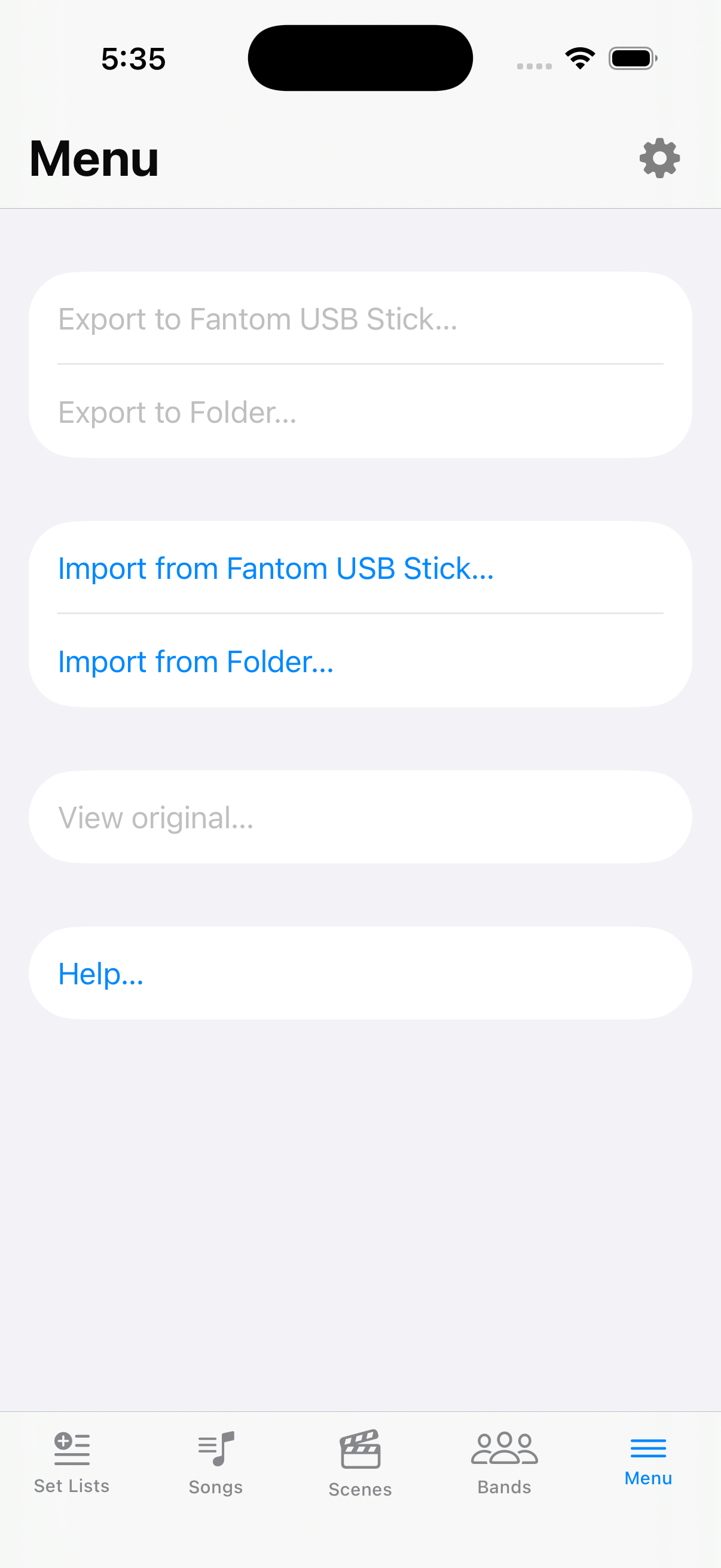
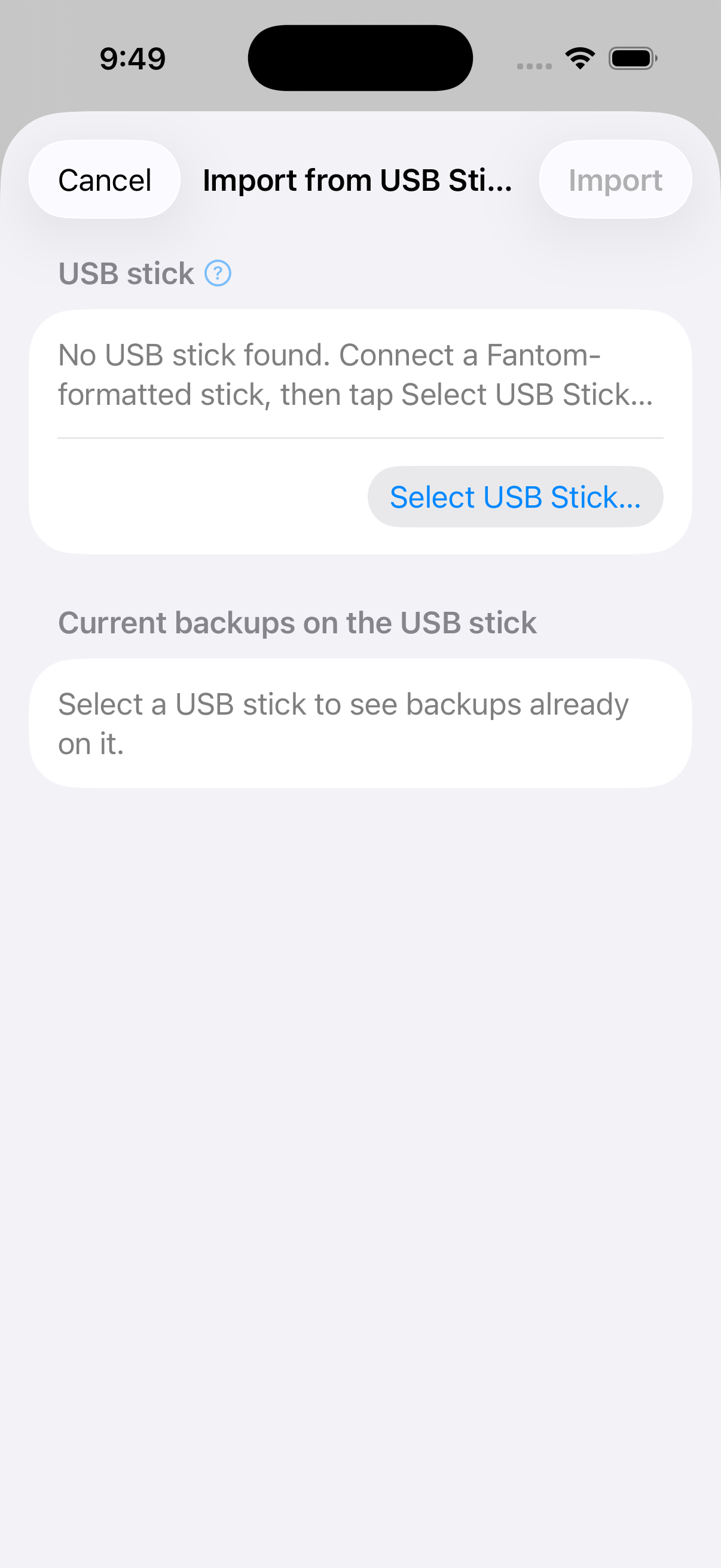
On Set Lists or USB Stick, choose or . You can also pick a name under Available backups when the app already sees them.
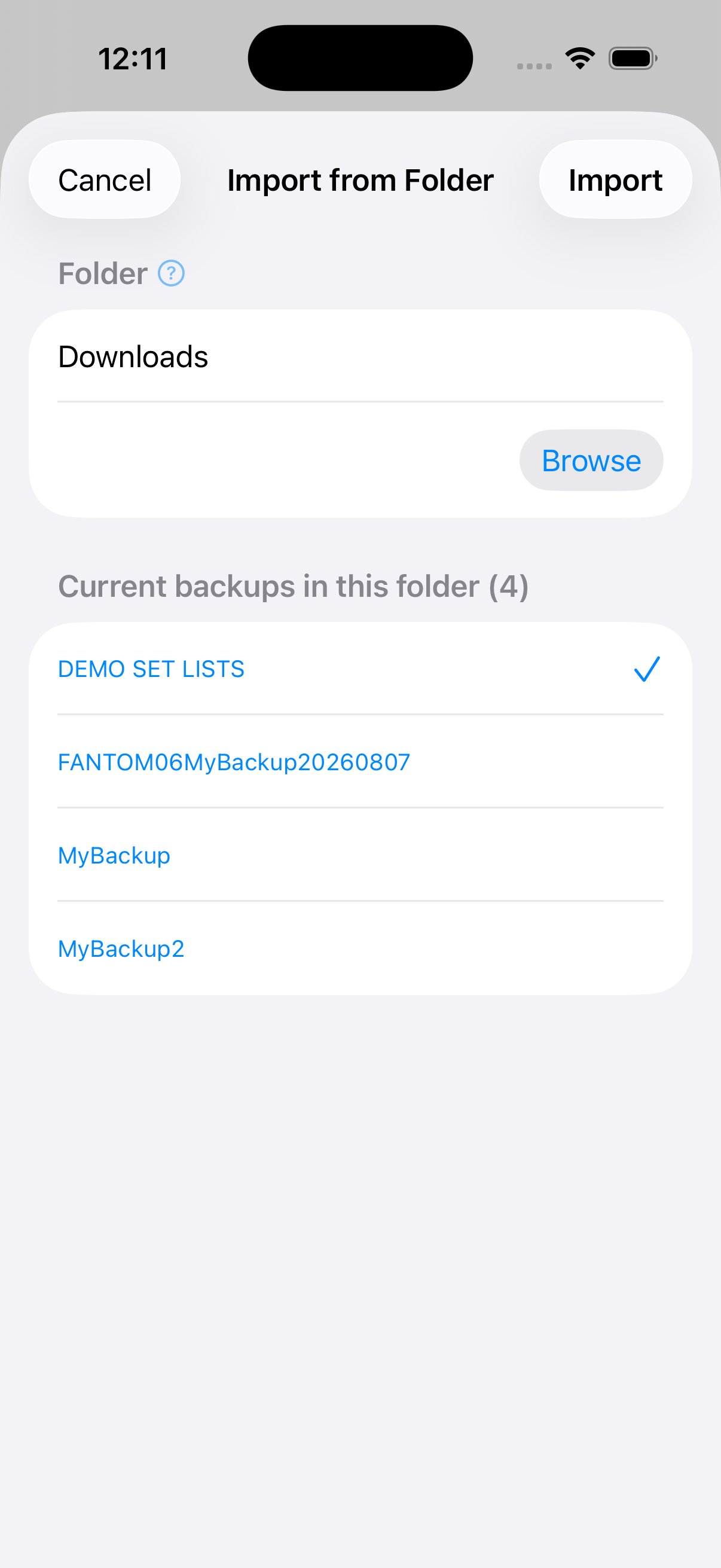
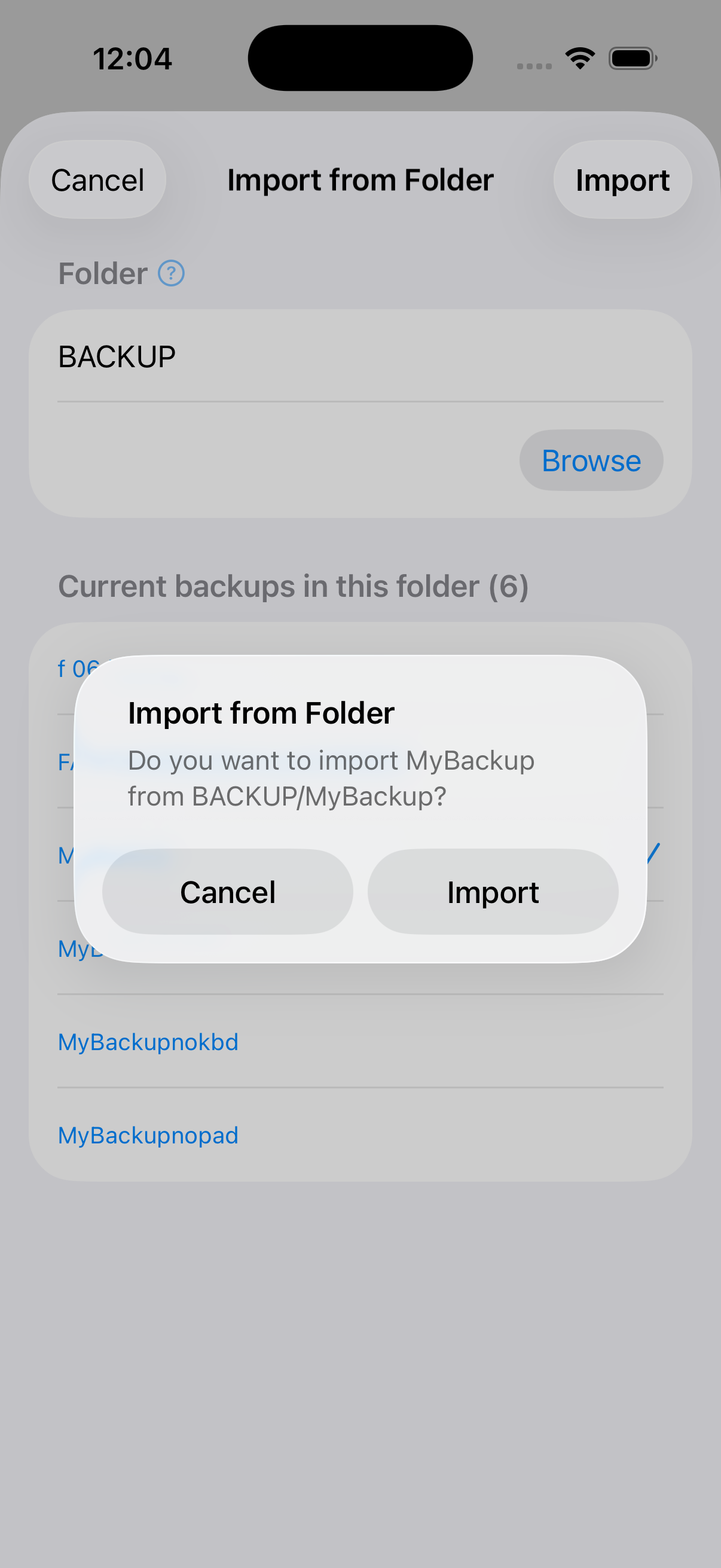
Pick the named backup
Confirm the path (for example STICK/ROLAND/FANTOM/BACKUP/NAME — that is /ROLAND/FANTOM/BACKUP/NAME on the stick root — or PARENT/NAME), then Import.
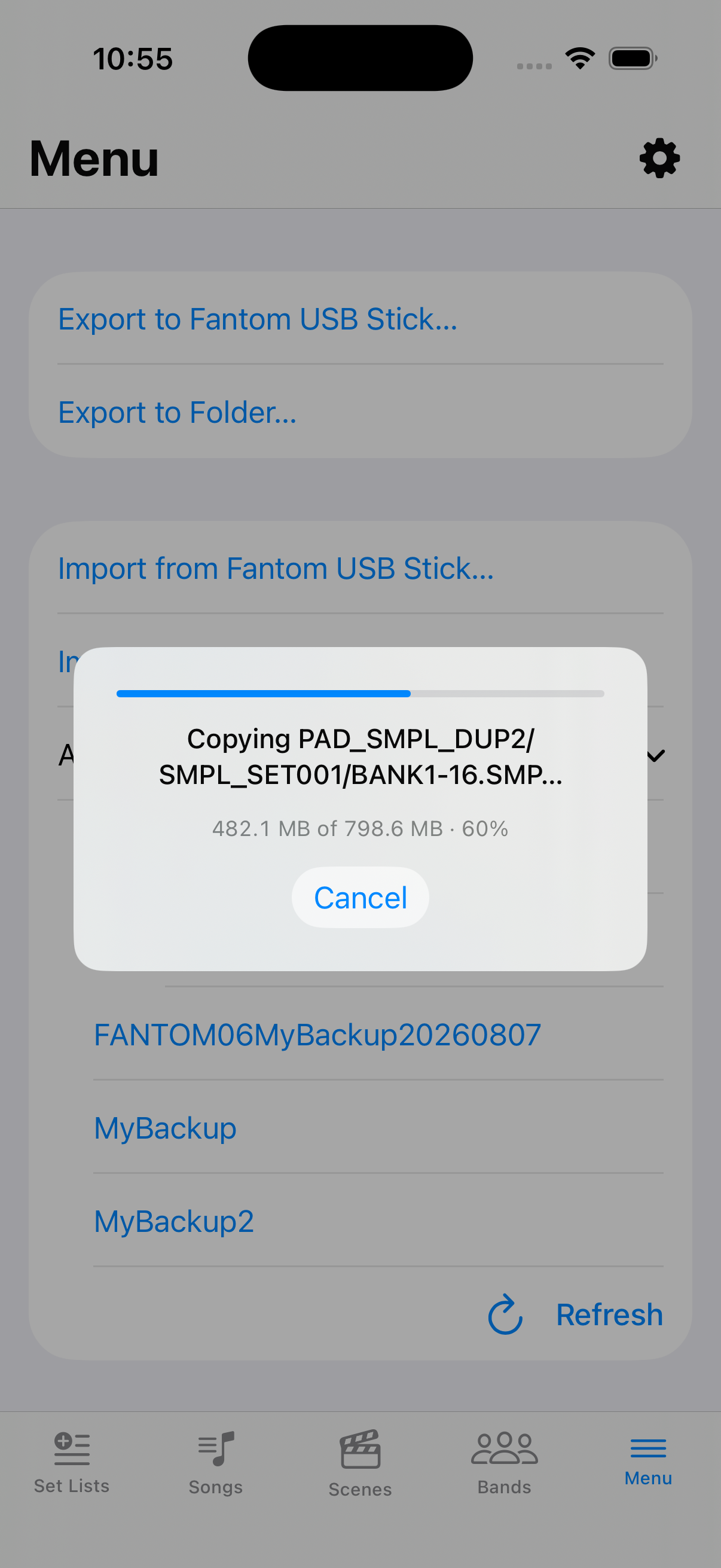
Wait for Importing…
On iPhone the app copies the entire backup into itself. Progress shows the current file and bytes, with Cancel. If you cancel or it fails, the previously open backup stays as it was.