Overview / Export and Restore
Export and Restore
Done editing? Write a new folder to a USB stick and Restore it on the Fantom.
Export builds a new backup folder with your current set lists. Nothing is written until you confirm Export.
Select the USB Stick screen in the Navigation Bar
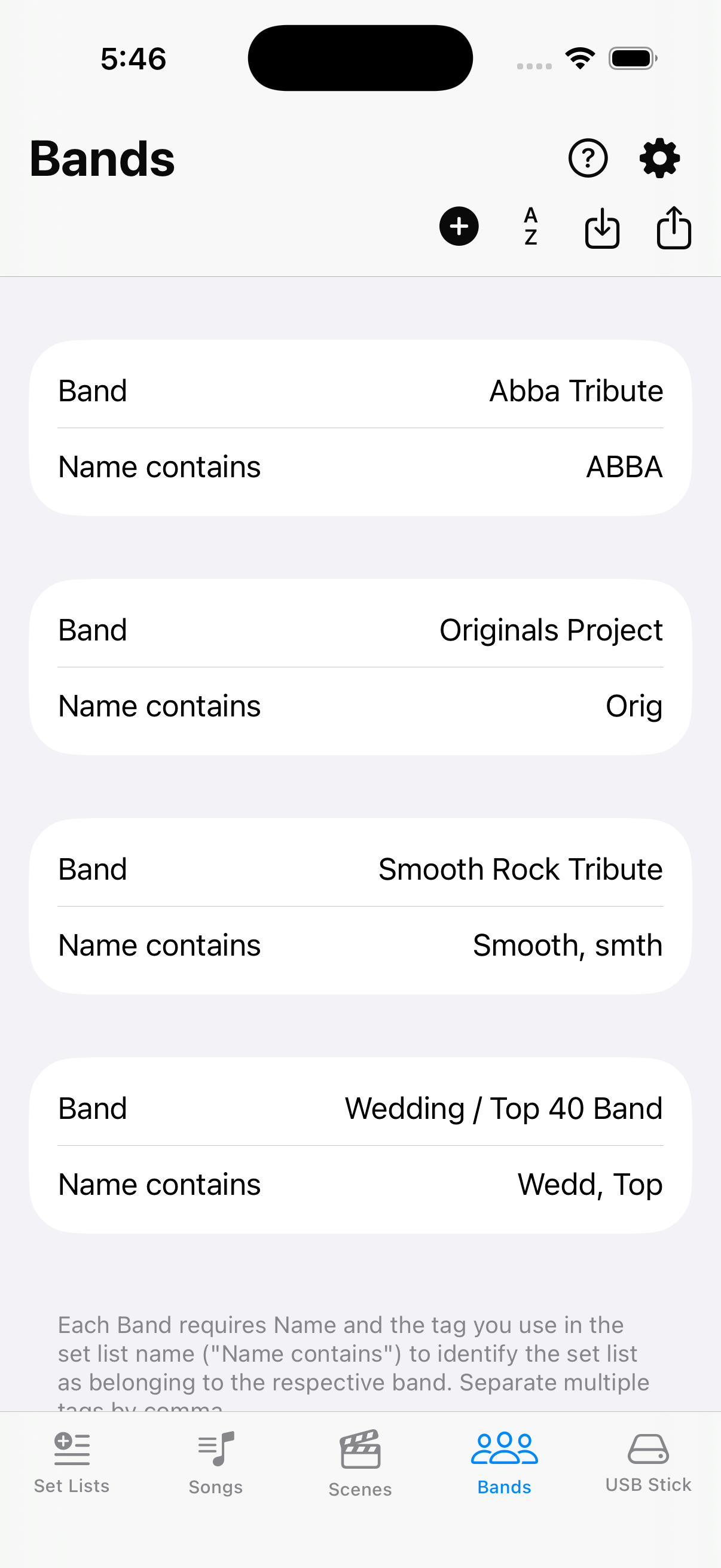
On the Navigation Bar, choose the USB Stick screen. Import and Export functionality lives here.
Export to USB or Folder
Choose when the stick is ready for Restore, or for On My iPhone, iCloud, or a computer folder.
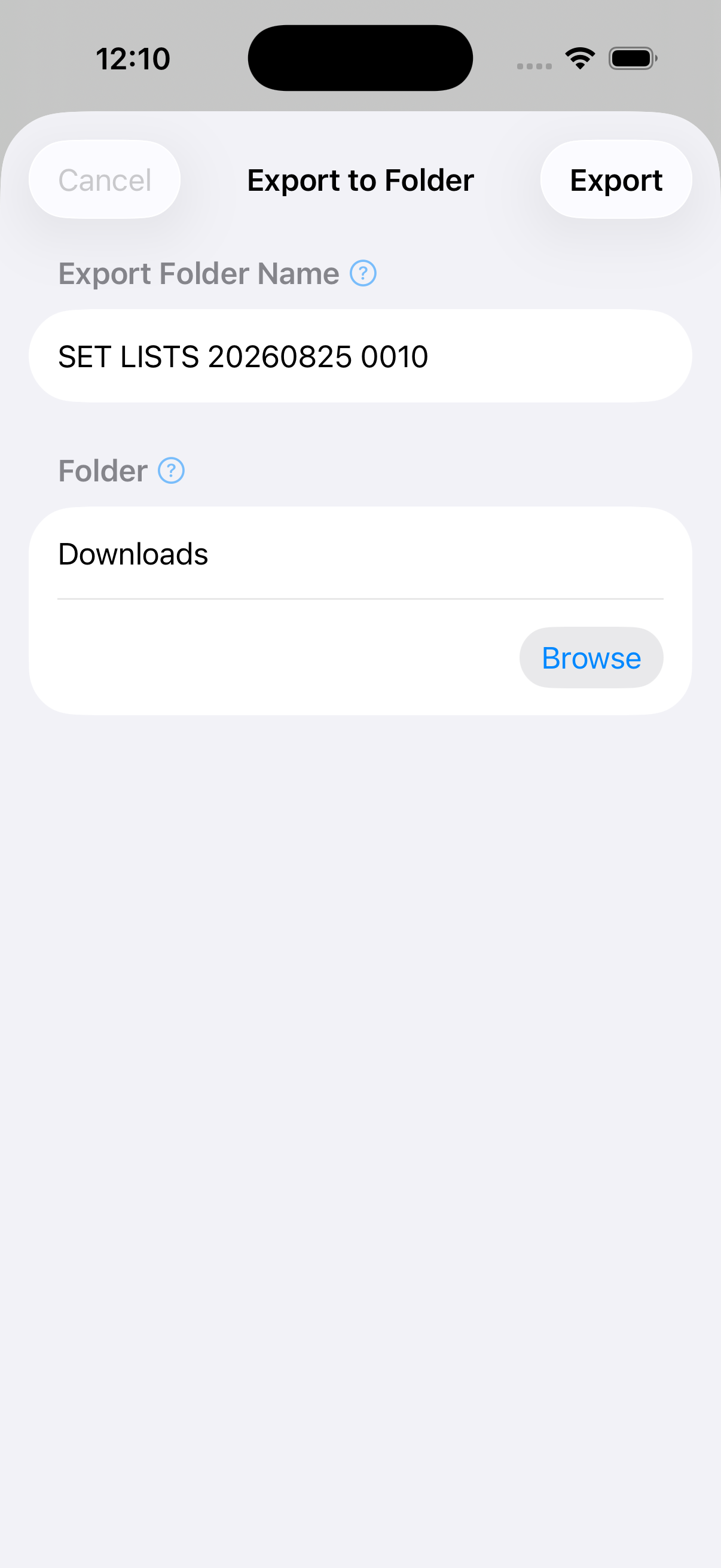
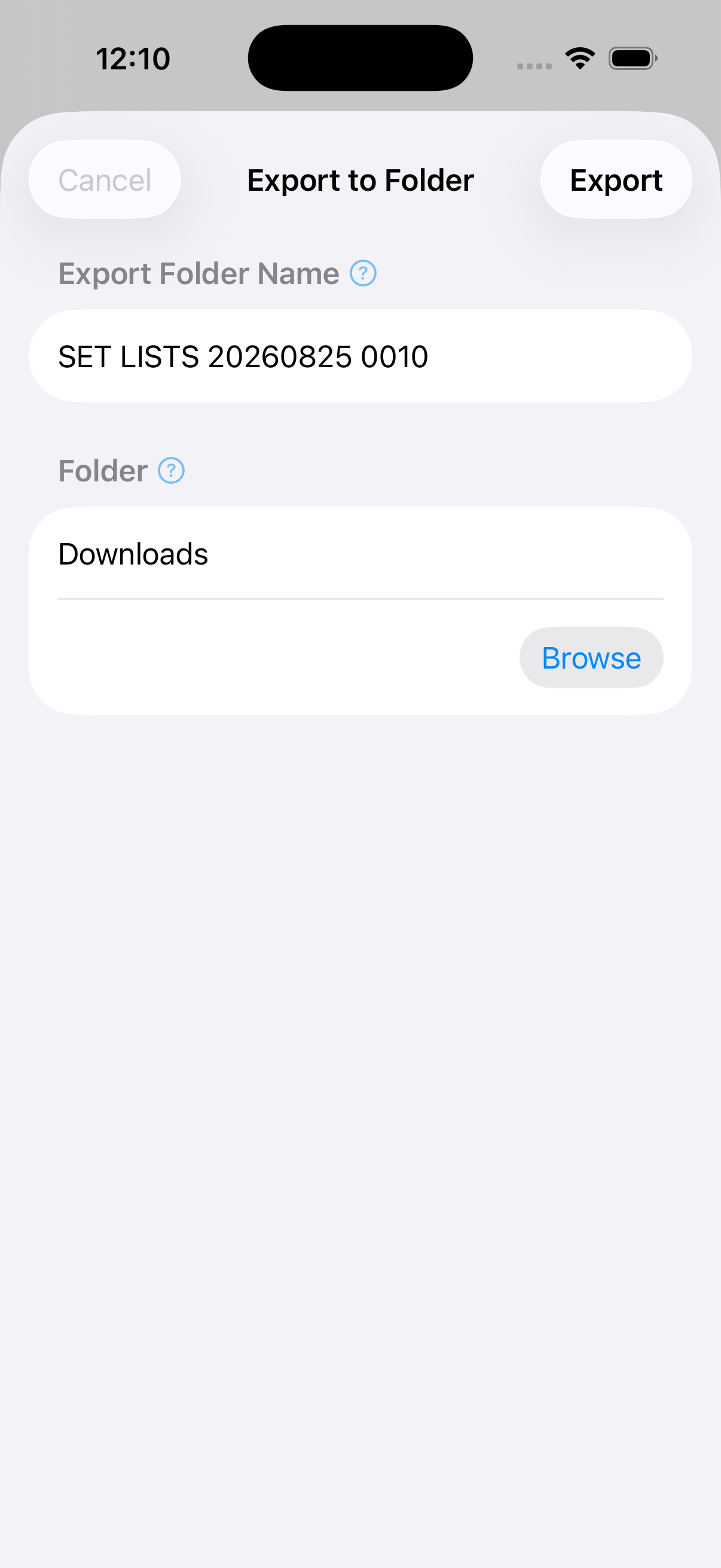
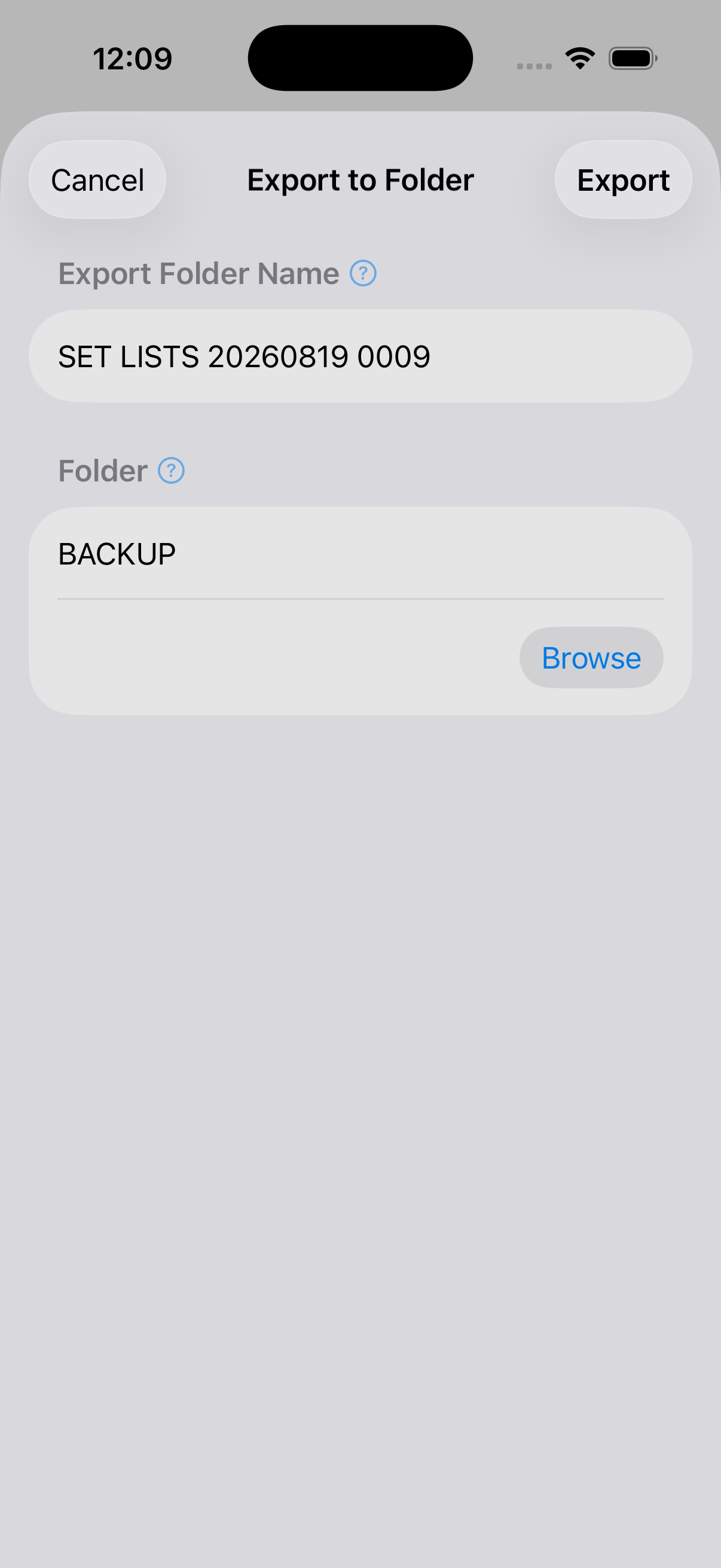
Export your changes to where RESTORE on the Fantom can pick them up from
The Fantom expects your data in a folder /ROLAND/FANTOM/BACKUP on a Fantom-formatted USB stick. Please ensure there is no other data manually included in the folders, as the Fantom may check the folder for consistency with its specifications. Fantom Set List Buddy ensures that your data is written in the respective folder. After export, Saved offers Show in Files — on a Mac, use that to open Finder and eject the stick before you unplug it.
RESTORE and power-cycle the Fantom
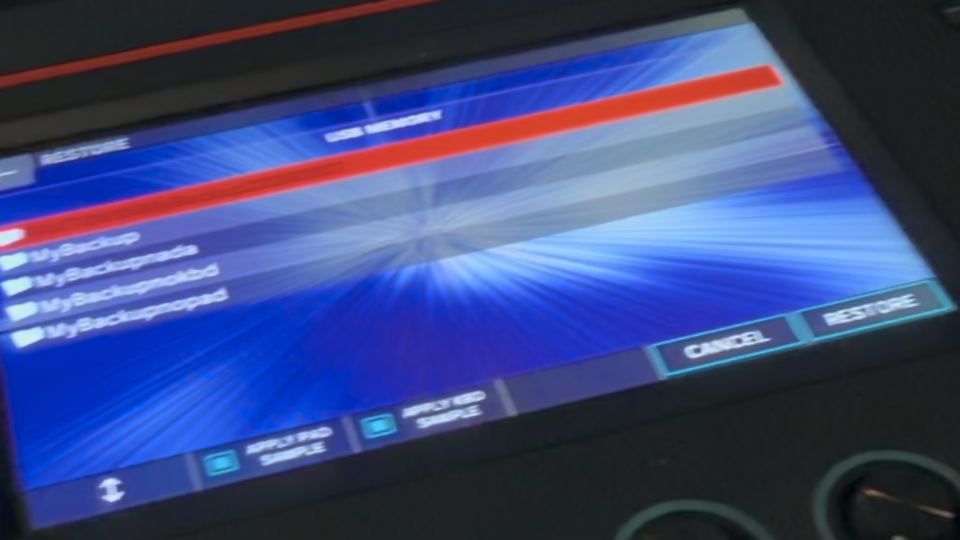
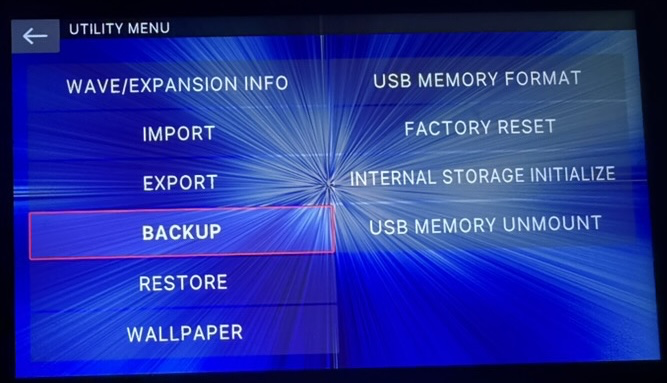
On the Fantom, open MENU → UTILITY, then tap on RESTORE (it sits just under BACKUP on the UTILITY MENU). Choose the export folder, confirm, then power-cycle when asked.
Restore sample options
On the Restore screen, turn off APPLY PAD SAMPLE and APPLY KBD SAMPLE unless you know the export folder includes those samples. Set-list exports from this app usually do not — leaving both off gives the fastest and safest Restore.