Overview / Edit a Set List
Edit a Set List
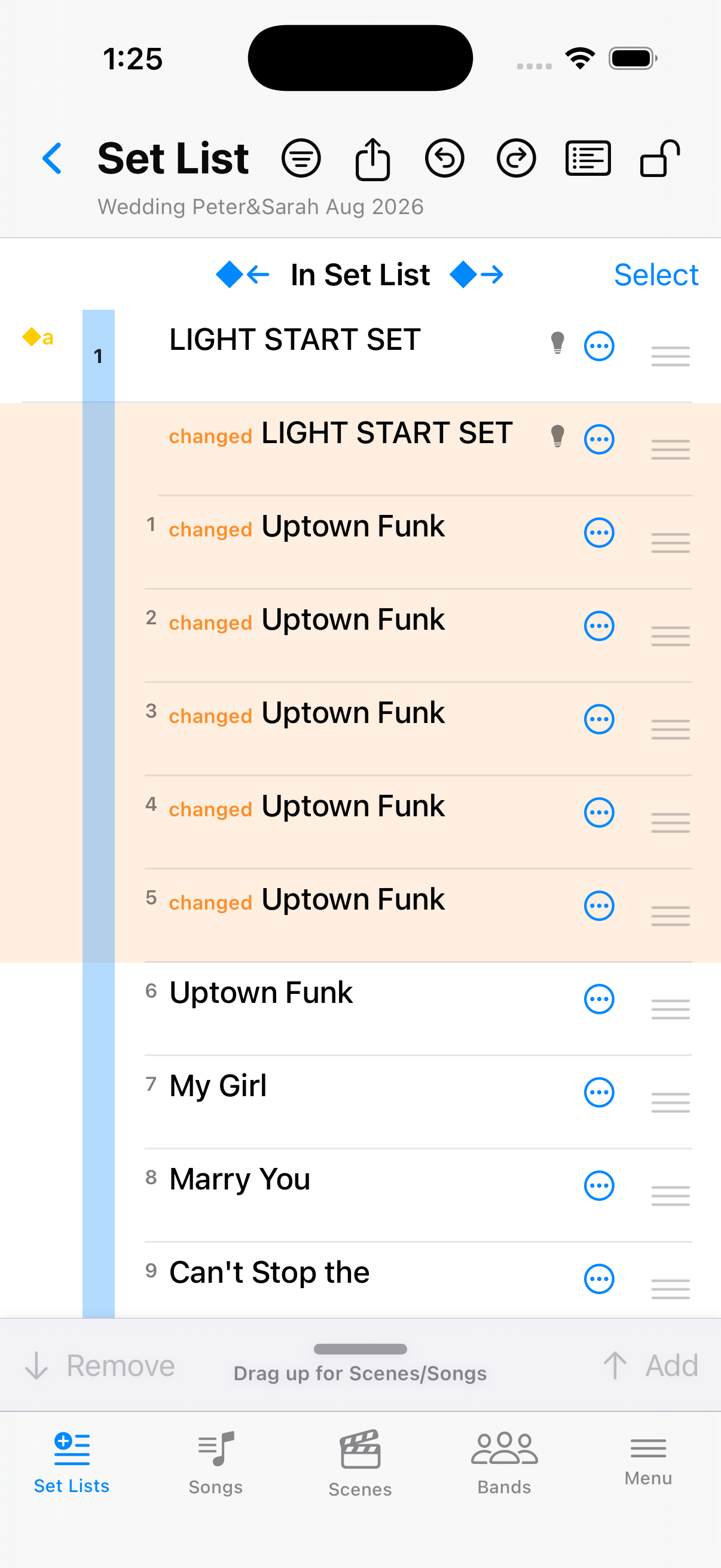
Open one single set list to reorder scenes, add scenes, and work with markers—or swap whole sets when you need to.
Once you open a set list, you can edit it to your liking. The screen is organized such that you can decide to show the scenes in the set list and/or the available scenes or songs to add to the set list. You can change the divider position by a handle in the center of the divider between the lists when the device is in portrait orientation. This allows using Fantom Set List Buddy even on devices with very limited screen real estate. A comprehensive context menu supports you in this, and — we can’t mention it often enough — an amazing  Undo function. Oh, and you can drag and drop when you unlock the screen via the
  Lock icon.